Picture a busy restaurant at 8 pm. A guest has waited twenty minutes for a dish, and the waiter keeps apologising. The waiter is not the real problem. The order may have reached the kitchen late, or an ingredient ran out, or nobody told the service staff. The guest sees none of that, but a service blueprint shows all of it on one page.
This guide explains what a service blueprint is, what its parts mean, and how frontstage and backstage actions fit together. A full restaurant example follows, then a simple method to build your own. You will also see how everyday tools, such as task management lists, can help your team run the hidden side of the service.
What Is a Service Blueprint?
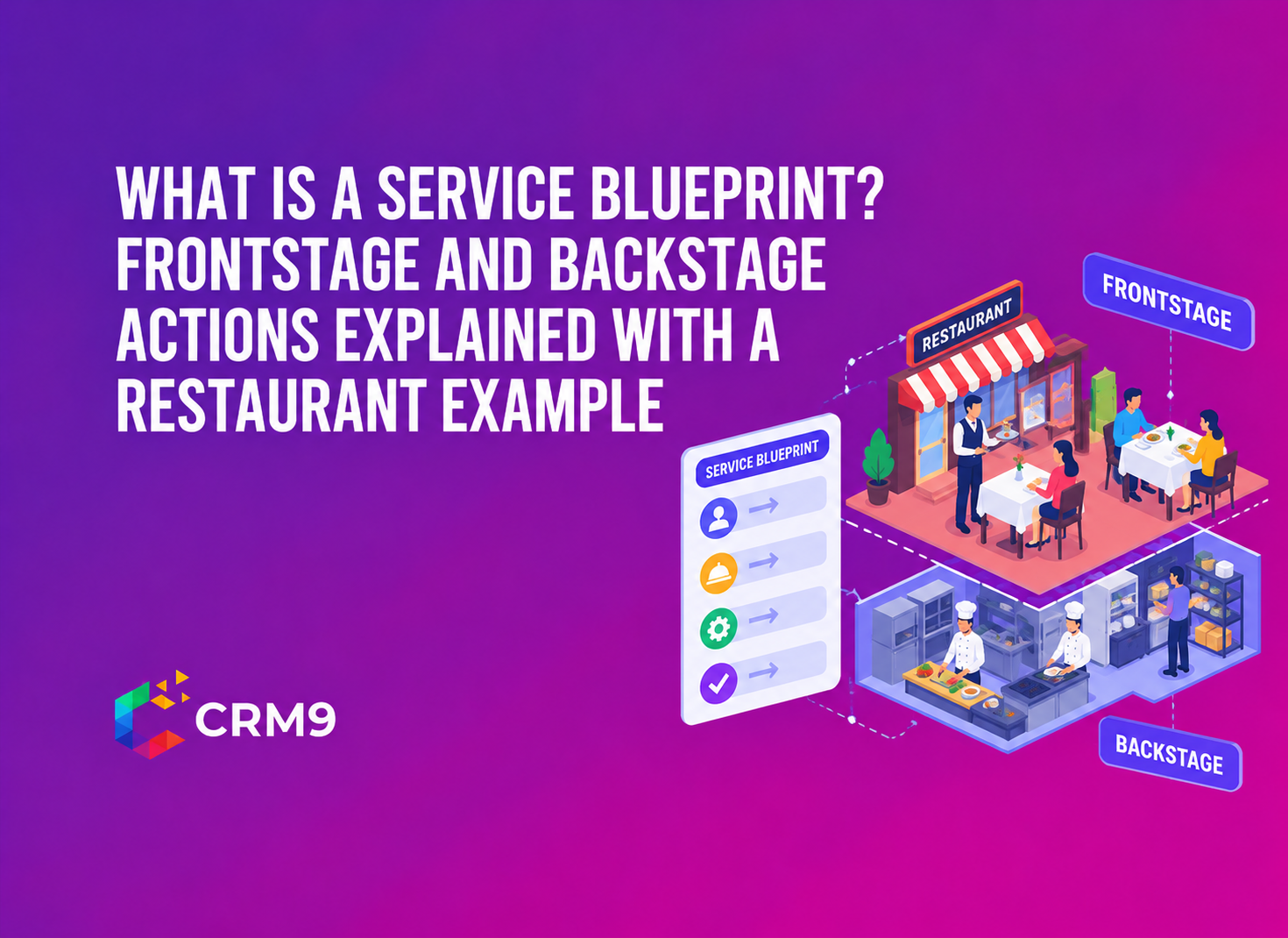
A service blueprint is a diagram that shows how a service gets delivered, from the customer’s first step to the last. It places the customer’s actions at the top. Beneath them, it shows what staff do in front of the customer, what staff does out of sight, and which systems make both possible.
A customer journey map covers only the customer’s side. A service blueprint adds the business’s side underneath it. For this reason, managers use a service blueprint to find why a service fails, not just where. Restaurants, hotels, clinics, salons, and software support teams can all use the same method.
Why Do Businesses Use a Service Blueprint?
First, it shows the whole service in one view. Most teams know their own step well but not the steps around it. A blueprint puts every step side by side.
Second, it helps you find the cause of a service failure. A late dish, a wrong room, or a missed callback often starts with a handoff between two teams. The diagram makes that handoff easy to spot, and a team activity log can confirm who handled each step.
Third, it clarifies roles. Each action has an owner, so staff know who passes work to whom. As a result, coordination improves, and the service runs with less rework.
What Are the Five Parts of a Service Blueprint?
Most blueprints use five rows. Each row answers a different question about the service.
| Row | What it shows | Restaurant example |
| Physical evidence | Tangible things the customer sees | Signboard, menu, bill |
| Customer actions | Steps the customer takes | Enters, orders, eats, pays |
| Frontstage actions | Staff work the customer can see | Greeting, taking the order, serving |
| Backstage actions | Staff work the customer cannot see | Assigning tables, preparing food |
| Support processes | Systems, tools and teams behind the work | Reservation system, billing software, inventory |
Digital touchpoints belong in the frontstage row too. A booking app or an online ordering page is as visible to the customer as a waiter. The test is visibility, not whether a person is involved. Booking tools such as appointment scheduling software usually sit in the support row.
What Is Frontstage and What Is Backstage in a Service Business?
What Is Frontstage?
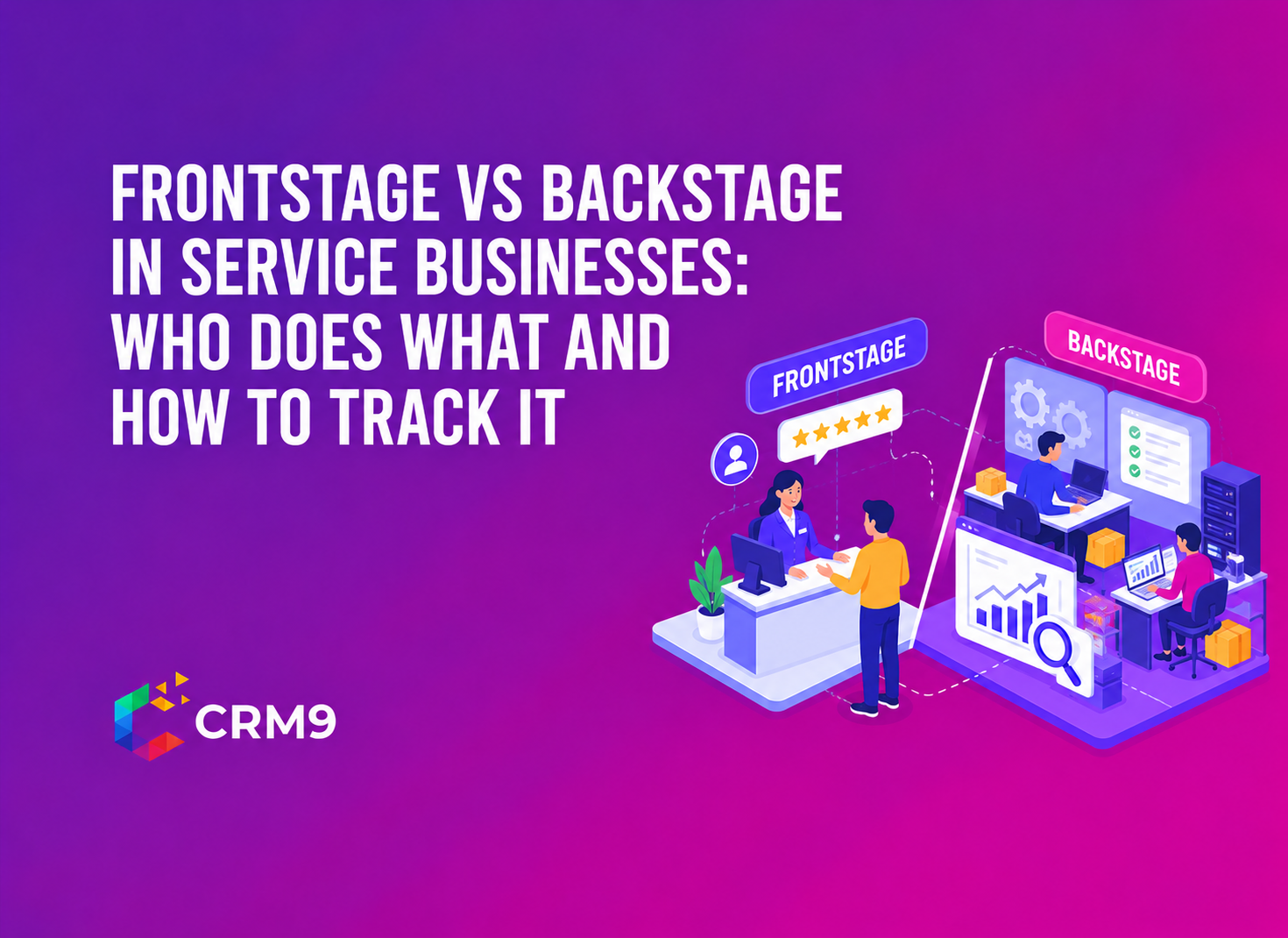
Frontstage covers every action the customer can see or take part in. A host greeting guests, a waiter taking an order, and a cashier handing over a bill all sit here. So does the menu page on your website. If the customer can notice it, it is frontstage. Staff serve better when guest details are at hand, and a client management system can store them.
What Is Backstage?
Backstage is the work the customer never sees but always depends on. The kitchen preparing a dish, a manager assigning tables, and an accountant closing the day’s billing are common examples. Customers usually meet backstage staff only when something goes wrong.
One person can work on both sides. A waiter serves a table frontstage, then enters the order into the system backstage. Now that you know what is frontstage and what is backstage, the lines that separate them are easy to follow.
What Are the Three Lines in a Service Blueprint?
Three horizontal lines divide the rows. Each one marks a different kind of boundary.
- The line of interaction is where the customer and the business meet. Every time an action crosses it, a service encounter happens.
- The line of visibility separates what the customer sees from what stays hidden. Many teams treat it as the most useful line on the page.
- The line of internal interaction sits between backstage staff and the support systems they rely on. When an action crosses it, one internal team is asking another for help, often through internal chats and messages.
What Does a Service Blueprint Look Like? A Restaurant Example
The table below shows a simple service blueprint for a dine-in restaurant. It follows one guest from arrival to payment.
| Stage | Customer action | Frontstage action | Backstage action and support |
| Arrival | Enters the restaurant | Greets the guest and shows the table | Assigns the table and notifies staff (reservation system, reception staff, cleaning team) |
| Ordering | Reads the menu and places the order | Takes the order and confirms the details | Sends the order to the kitchen (POS system, menu database) |
| Waiting | Waits and talks to the staff | Serves food and beverages | Kitchen prepares the food (kitchen equipment, food supply, inventory management) |
| Dining | Eats and enjoys the meal | Checks on the guest and offers help | Coordinates with the kitchen and service staff (staff scheduling, communication systems) |
| Payment | Asks for the bill and pays | Brings the bill, collects payment and thanks the guest | Updates the billing system and closes the order (payment gateway, billing system, accounting) |
Read the table from left to right to follow the guest. Then read it from top to bottom to see what each moment depends on. For example, the ordering stage looks simple to the guest. Behind it, the order must reach the kitchen, the kitchen needs stock, and the billing system needs the right items. If any link breaks, the guest feels it at the table. A custom dashboard that shows open orders and late steps helps managers catch the break early.
Can You Use a Service Blueprint for a Hotel or Other Service Business?
Yes. The grid stays the same, and only the stages change. A hotel might use booking, arrival, check-in, room stay, and checkout. At check-in, the front desk hands over the key frontstage. Backstage, housekeeping prepares the room, and a supervisor inspects it.
The support row holds the booking system, the payment gateway, and the housekeeping schedule. Because room readiness has a deadline, task reminders suit this stage well. A clinic, a salon, or a coaching centre follows the same logic. List the customer’s steps first. Then ask what the business does to make each step work.
How Do You Create a Service Blueprint Step by Step?
- Choose one service journey, such as a dine-in visit or a hotel stay. Blueprint one journey at a time.
- List the customer’s actions in order. Walk through the journey as the customer would.
- Add the frontstage actions beside each customer step.
- Add the backstage actions that make each frontstage action possible. Ask the staff who do the work, because managers often miss small steps.
- Fill in the support row with the systems, tools, and teams involved.
- Draw the three lines and mark the weak points, such as delays, missing information, and unclear owners.
Keep the first version to one page. You can add detail later, once the main handoffs are clear. Store the final version in a knowledge base so new staff can find it.
What Mistakes Should You Avoid When Making a Service Blueprint?
Most weak blueprints share a few habits. Knowing them early saves time.
- Drawing it from memory in a manager’s office. Backstage staff know steps that managers forget.
- Skipping the support row. Systems and tools cause many delays, so leave nothing out.
- Mixing several journeys on one page. A dine-in visit and a home delivery need separate blueprints.
- Treating it as a one-time exercise. Update the diagram whenever a step, tool, or team changes.
How Can a CRM Help You Run the Backstage Side of a Blueprint?
A blueprint shows where work should happen. A tool helps you make sure it does. A CRM is not only for sales teams, because it can also hold the records and tasks that backstage teams depend on. For example, includes several features that match the rows of a blueprint.
Four needs matter most. Frontstage staff need guest history, which a client record supplies. Backstage staff need assigned tasks with deadlines. Managers need one view of what is open or late. The whole team needs a shared record of who did what.
Conclusion
A service blueprint turns a vague complaint into a specific fix. It shows what the customer sees, what staff do behind the scenes, and where the two sides depend on each other. Pick one journey this week and sketch the five rows on paper. Then ask your team where the handoffs slip, and give each weak step an owner, a reminder, and a record.
Related Reads
- Top Emerging Sales Trends for 2026: What’s Changing in Sales Management
- What Is a CRM Platform? Features, Benefits, Types and How It Works
- What Is a Sales Budget? Purpose, Format, and How to Build One
- Sales Tracking Metrics: What to Track and Why They Matter
- Sales Organization Structure: How It Should Evolve as Your Team Grows
- To-Do List or Task Management Software? When a Simple List Stops Being Enough
- What Is Sales Promotion and Why Do Smart Brands Keep Running Them?
- Inside Sales: Roles, Responsibilities, and Strategies for Better Results
- Inside Sales vs Outside Sales: Which Model Fits Your Business Better
Frequently Asked Questions
A journey map shows the customer’s steps and feelings. A blueprint adds the staff actions and systems behind each step.
It is the line that separates what the customer can see from the work they cannot see.
Include frontstage staff, backstage staff, and a manager, because each group sees a different part of the journey.
Aim for one page per journey, with enough detail to show every handoff between teams.
Yes, a whiteboard or a simple spreadsheet is enough to draw the first version.