
When multiple employees work on the same clients, projects, or business operations, keeping track of every important update can become difficult. A sales representative may update a lead, a project manager may assign a task, and another employee may send an invoice. However, managers often struggle to understand what happened, who handled it, and what needs attention next.
A team activity log helps solve this problem by maintaining a chronological record of important actions across business workflows. Instead of collecting updates from separate conversations, managers can refer to a shared activity history to understand ongoing work.
What Is a Team Activity Log?
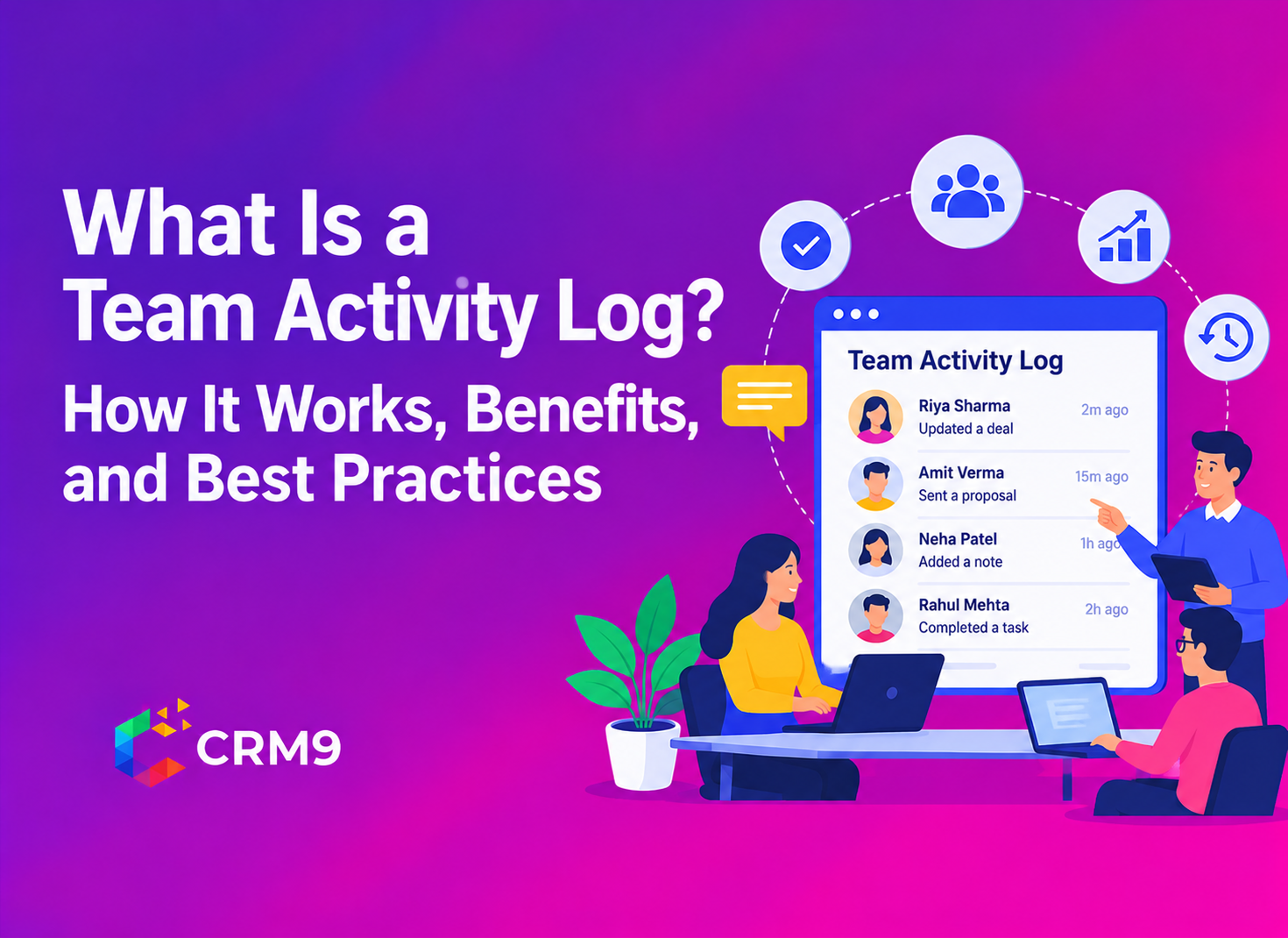
A team activity log is a chronological record of actions performed by employees within a business system. It helps organizations track important updates, changes, interactions, and completed activities across different workflows.
For example, when a sales representative updates a lead’s information or a project manager completes an assigned task, the system may record that action in the activity history.
A typical activity log entry can show:
- User information: The employee who acted.
- Activity type: The action or update recorded.
- Date and time: When the activity occurred.
- Related record: The lead, client, project, or task connected to the action.
- Activity details: Additional information that explains what changed.
The exact details depend on the software. Some systems record activities automatically, while others allow employees to add updates manually. For growing businesses, a shared activity history creates better visibility into daily operations. It also helps employees understand previous actions before continuing work on an account or project.
How Does a Team Activity Log Work?
A team activity log records important events as employees perform activities within a business platform. Depending on the system, the software may capture updates automatically or allow users to enter information manually. Here is how the process generally works.
1. An Employee Performs an Activity
The process begins when an employee takes an action within the business system. For example, a sales representative updates a prospect’s contact information, changes a lead status, or completes a follow-up task. Similarly, a project manager may update project progress or assign work to another employee.
2. The System Records the Activity
The software creates an activity entry containing relevant details. These may include the employee’s name, action type, date, time, and related business record. Automatic recording reduces the need for employees to maintain separate activity sheets for routine system updates. However, some interactions may still require manual entries.
3. Activities Appear in a Shared History
Once recorded, activities appear in a chronological feed or activity history. This allows authorized users to review previous actions and understand how work has progressed. For instance, a manager reviewing a client account may find that an employee updated the requirements, another team member sent a proposal, and a follow-up task remains pending.
4. Managers Review and Filter Updates
When a business handles several clients or projects, finding one particular activity can become difficult. Activity log software with search and filtering options helps managers narrow down records. They may look for activities associated with a specific employee, client, project, or action type, depending on the available functionality.
5. Teams Use the Information for Follow-Ups
Finally, employees and managers use the activity history to understand what needs attention. If a customer has not received a proposal or a project update remains pending, the team can identify the relevant activity and decide on the next action. This process helps maintain continuity across business operations.
What Are the Main Components of an Activity Log?
A useful activity log should present information in a way that makes business updates easy to understand. Although the exact structure varies across platforms, several components are commonly important.
| Component | Purpose | Example |
| User identification | Shows who performed an action | Sales representative |
| Activity description | Explains what happened | Lead information updated |
| Timestamp | Records when it happened | Date and time |
| Related record | Connects the activity to business work | Client account |
| Activity category | Groups similar actions | Task, lead, or project update |
| Search and filters | Helps locate relevant records | Filter by employee or project |
These components provide context instead of showing a list of disconnected actions. For example, knowing that a proposal was updated is useful. However, knowing who updated it, when the change occurred, and which client it belongs to provides much better information.
What Types of Activities Should Businesses Record?
Businesses should record activities that affect their workflows, customer relationships, responsibilities, and important decisions. The exact activities depend on the department and the type of work employees perform. Here are some common examples.
Lead and Sales Activities
Sales teams handle multiple prospects at different stages of the buying process. Tracking important lead-related actions helps managers understand how representatives handle enquiries.
Relevant activities may include:
- New lead creation or updates.
- Changes in lead status.
- Follow-up activities.
- Proposal preparation and sharing.
- Updates to customer requirements.
A Lead Management System helps businesses organize lead information and manage follow-up activities. Connecting lead records with activity history also gives sales teams better context when handling ongoing opportunities.
Client Management Activities
Customer-facing teams often need access to previous interactions before responding to a client. An activity history can help employees understand earlier discussions and important account updates.
Examples include client information changes, communication updates, service requests, and account-related activities.
A Client Management System helps businesses maintain organized customer records and supports better coordination among employees handling the same account.
Task and Project Activities
Project teams handle several assignments, deadlines, and responsibilities. Activity records help managers understand important changes in task and project progress.
For example, a team member may complete a task, update its status, or take responsibility for a new assignment.
Using Task Management helps businesses organize responsibilities and track work progress. Managers can use the related activity history to understand important updates without depending entirely on verbal reports.
Financial and Document Activities
Business operations also involve proposals, estimates & invoices, and other commercial documents.
For example, a sales representative may prepare a proposal for a client, while an accounts team member may issue an invoice. These activities can provide useful context for understanding the progress of a business transaction.
Businesses can organize these processes through Proposal Management and Invoices & Estimates.
Internal Communication Activities
Employees often share important information through internal conversations. A revised deadline, approval request, or client requirement can influence several people working on the same assignment.
Using Internal Chats & Messages Software helps teams keep work-related communication organized.
However, businesses should distinguish between important business updates and private employee conversations. An activity log should capture information relevant to legitimate business operations.
What Are the Benefits of Using a Team Activity Log?
A well-maintained activity log helps businesses understand what happens across their daily workflows. It also gives employees and managers a common source of information.
1. Better Visibility Into Daily Operations
Managers often handle several responsibilities at once. They may oversee sales activities, project updates, client requests, and financial tasks.
A shared activity history provides a clearer view of important actions across these areas. Therefore, managers can identify what has progressed and which activities need attention.
2. Improved Team Accountability
When employees understand that important work updates remain accessible to the relevant team members, responsibilities become easier to follow.
For example, a manager can review who updated a client record or completed a particular task. This creates a clearer understanding of ownership and reduces confusion.
However, activity records should support fair discussions rather than become the only measure of employee performance.
3. Easier Employee Handovers
Employee absence, role changes, and workload redistribution can affect business continuity.
Imagine a sales representative taking leave while several customer enquiries remain active. Another employee may need to continue those conversations.
A chronological activity history helps the replacement understand previous updates and outstanding work. As a result, the team can continue the process with less confusion.
4. Faster Identification of Workflow Delays
Activity records can help managers identify where work frequently gets delayed.
For example, if several proposals remain pending after internal review, the manager can investigate the approval process. Similarly, repeated delays in client follow-ups may indicate unclear task ownership.
The log does not automatically solve these problems. However, it gives managers information they can use to investigate and improve workflows.
5. Less Dependence on Manual Status Updates
Without a shared record, managers may need to contact employees individually to understand work progress.
An activity log reduces this dependency by keeping relevant updates accessible in one place. Consequently, teams can spend less time collecting routine information and more time completing their responsibilities.
6. Better Historical Reference
Business decisions often depend on understanding what happened earlier.
An activity history can help employees review previous changes, identify the sequence of actions, and understand the context behind ongoing work.
This is particularly useful when businesses manage long-term client relationships or projects involving several employees.
What Is the Difference Between an Activity Log, Task Log, and Audit Log?
These terms may sound similar, but they serve different purposes. Understanding their differences helps businesses choose the right tracking approach.
| Type | Main purpose | Example |
| Activity log | Records important actions and updates | Employee updates a client record |
| Task log | Tracks assigned work and its progress | Employee completes a follow-up task |
| Audit log | Maintains traceable records of system events and changes | Administrator changes a user’s access permission |
An activity log focuses on the history of actions within a workflow. A task log concentrates on assigned responsibilities and their progress. Meanwhile, an audit log supports traceability, security reviews, and administrative oversight.
Some business platforms provide overlapping capabilities. Therefore, organizations should check exactly what each software records rather than assuming that all three terms mean the same thing.
What Should You Look for in Team Activity Log Software?
Choosing team activity log software requires more than checking whether a platform records employee actions. Businesses should consider how easily the system supports their daily operations.
Here are some important factors to evaluate.
- Real-time activity feed: The software should provide timely visibility into important updates so employees and managers can understand recent changes.
- Search and filtering options: Look for ways to find activities by team member, client, project, or action type. This becomes particularly important when the activity history grows.
- Connected business records: Activity tracking becomes more useful when updates relate to leads, tasks, projects, and client information.
- Clear activity details: Each record should provide enough context to explain who performed the action and what changed.
- Access permissions: Businesses should control who can view sensitive activity information. Different employees may require different levels of access.
- Ease of use: Employees should be able to understand the system without spending unnecessary time navigating complicated records.
In addition, review the platform’s data protection practices, record retention policies, and reporting capabilities before making a decision.
What Are the Best Practices for Maintaining an Accurate Activity Log?
Having activity log software does not automatically guarantee useful records. Businesses need a consistent process to ensure that the information remains relevant and reliable.
Consider these practices:
- Define what should be recorded: Focus on actions that affect clients, projects, responsibilities, and business decisions.
- Maintain consistent activity categories: Use clear labels so employees can understand and filter different types of updates.
- Review records regularly: Managers should check important activities at suitable intervals instead of constantly monitoring employees.
- Keep information accurate: Employees should correct incomplete or incorrect details through the system’s supported process.
- Set appropriate access permissions: Restrict sensitive information to authorized users.
- Explain the purpose of tracking: Employees should understand what the organization records and how it uses the information.
More importantly, avoid treating the number of recorded activities as a direct measure of productivity. Work quality, customer outcomes, and task complexity also matter.
Conclusion
A team activity log helps businesses maintain a clear history of important employee actions, client updates, and workflow changes. It gives managers better visibility into daily operations while helping employees understand previous work and ongoing responsibilities. However, its value depends on the quality of information it records and how the business uses that information. By choosing suitable activity log software, maintaining relevant records, and establishing clear tracking practices, organizations can improve coordination and accountability without creating unnecessary monitoring pressure.
Related Read
- Proposal Management: How to Write, Send and Track a Client Proposal
- How to Write a Proposal for a Client: Structure, Wording and Common Mistakes
- Client Follow-Up Reminders: What to Set and When for Proposals, Payments and Renewals
- Task Reminder: How to Set Reminders Your Team Will Actually Act On
- Do You Need Appointment Scheduling Software? Signs a Calendar Stops Working
- What Is Appointment Scheduling? Types of Appointments, Slots and Rules Explained
Frequently Asked Questions
An activity log records important actions and changes within a business system. It helps teams review previous work, understand responsibilities, and maintain a history of relevant updates.
A team activity log may record the employee’s name, activity type, date, time, related business record, and details of the action. The exact information depends on the software.
Activity logs can provide information about completed tasks and work-related actions. However, they cannot measure productivity on their own because work quality, complexity, and results also matter.
An activity log records routine actions and workflow updates, while an audit log maintains traceable records of system events and changes for security, administrative, or compliance reviews.
Businesses use team activity log software to maintain shared activity records, improve work visibility, support employee handovers, and understand workflow progress without depending entirely on manual updates.