Two clients book a 30-minute consultation. One needs a first meeting and a review of several documents. The other needs only a short follow-up. If both receive the same 30-minute slot, the first meeting runs over, and the next one starts late. The calendar was not the problem.
The way the appointments were defined was. It covers the main types of appointments, how slots and intervals work, why buffer time matters, and which booking rules to set. It ends with a step-by-step way to combine them.
What Is Appointment Scheduling?
Appointment scheduling is the process of arranging a time for a client and a team member to meet, and managing that time until the meeting takes place. It includes offering available times, confirming the booking, reminding both sides and handling changes or cancellations.
A scheduling system has three basic parts. Appointment types describe what can be booked. Slots describe when it can be booked. Booking rules describe the conditions under which a client may book. Each part is explained below.
Consider a consulting practice that offers three services: a one-hour first meeting, a thirty-minute review, and a fifteen-minute check-in. Each service has a different length, different preparation, and sometimes a different consultant. Appointment scheduling ensures that a client who books a check-in does not occupy an hour of a consultant’s day.
Appointment scheduling differs from ordinary calendar use because it follows rules, not individual conversations. Once the rules are set, bookings follow them without further effort. If you are comparing tools, our guide to online appointment scheduling software covers that side.
What Types of Appointments Do Businesses Schedule?
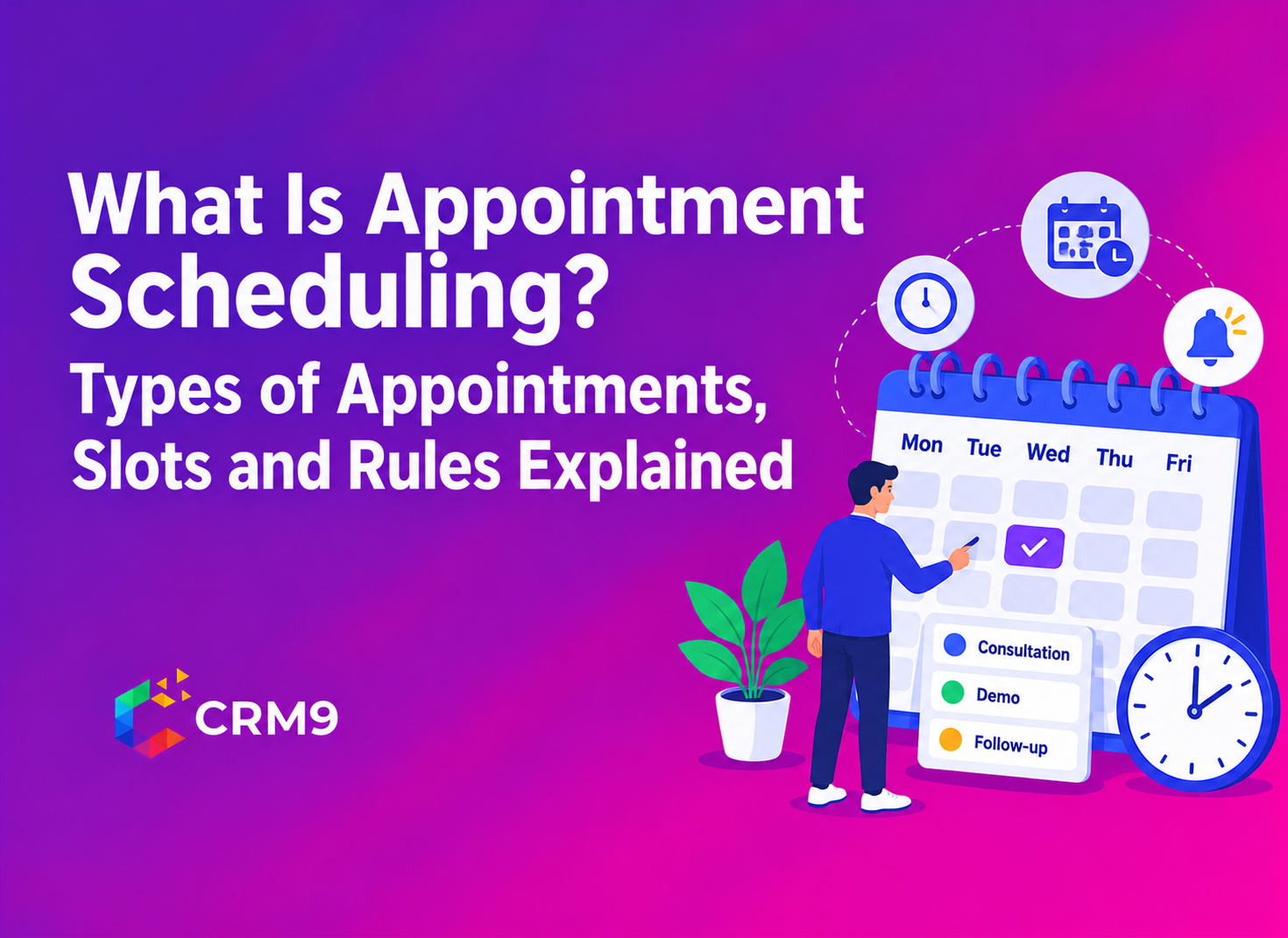
An appointment type is a predefined category of meeting with its own duration, location, and requirements. Defining types first prevents most scheduling errors.
| Type | Typical use | What to define |
| First consultation | A new client or prospect meets you for the first time | Longer duration, intake questions, documents to bring |
| Follow-up meeting | An existing client reviews progress | Shorter duration, link to previous notes |
| Group session or workshop | Several clients attend together | Maximum attendees, venue or meeting link |
| Recurring appointment | A regular weekly or monthly meeting | Repeat pattern and end date |
| Urgent request | A time-sensitive matter | Limited slots and a shorter notice period |
Each type also has a location: in person, by phone, or by video. Add the information a client must prepare, such as documents or a short form, so the meeting begins productively.
Be specific about the preparation that each type needs. A first consultation may require documents, while a follow-up may need only a reminder of the notes from the previous meeting.
Some businesses also group similar appointment types into dedicated time blocks, such as first consultations in the morning and follow-ups in the afternoon. This method, often called cluster scheduling, keeps preparation consistent and reduces switching between tasks.
Meetings, workshops, and group sessions also belong in a shared calendar. The Events Calendar Software keeps them visible to the whole team.
What Is an Appointment Slot, and How Do Duration and Interval Work?
An appointment slot is a block of time that a client can book. Each slot has a start time, a duration, and a connection to a type of appointment and a member of staff.
Two settings are often confused. Slot duration is the length of the meeting, such as 30 or 60 minutes. Slot interval is how often a new start time is offered, such as every 15 or 30 minutes.
For example, a 60-minute meeting with a 30-minute interval can start at 9:00, 9:30, or 10:00. Once a client books 9:00, the 9:30 start is no longer available because the first meeting is still running.
Choose an interval that matches your working rhythm. Short intervals offer more choice but can fragment your day. Longer intervals keep the day tidy but may leave gaps.
Capacity matters too. Count the slots a staff member can offer in a day, and compare that number with the demand you expect. If slots fill within hours, add availability or extend your hours.
Why Does Buffer Time Matter in Appointment Scheduling?
Buffer time is a blocked period before or after an appointment. Clients cannot book it. It gives you time to prepare, take notes, travel, or rest before the next meeting. Without it, one late meeting delays every meeting that follows, and clients who did nothing to cause the delay feel its effect.
Add buffers where they are needed, and not by default to every appointment. A short buffer after a long consultation may be enough. Meetings that involve travel need a longer one. Some systems also block the time just before the current moment, so no one can book a slot that begins in the next few minutes. A real estate agent who shows properties, for example, may need a longer buffer after each showing to reach the next address.
Use the time after a meeting to record notes and create follow-up tasks in Task Management, with a named person and a due date for each.
Which Booking Rules Should You Set?
Booking rules control when and how clients can book. They protect your time and set clear expectations.
- Minimum Notice: The shortest time before a meeting at which a client may book, for example, 24 hours.
- Maximum Booking: How far ahead clients can book, so that distant dates do not fill with uncertain plans.
- Daily Limits: A cap on the number of appointments per day or per person.
- Cancellation and Rescheduling Rules: How much notice a client must give to change a booking.
- Working Hours and Blocked Dates: Days when no bookings are accepted, such as holidays.
Write each rule in plain language on the booking page. A client who understands the rules is less likely to break them. Review the rules from time to time. If clients regularly try to book at short notice, a minimum notice of two hours may be more realistic than 24. If last-minute cancellations are frequent, lengthen the cancellation window.
Automatic confirmations and reminders complete the rules. They tell the client the time, the place, and any preparation needed, and they reduce missed appointments. The task reminder sends a confirmation email with a calendar invite, followed by reminder notifications before the meeting.
Publish your rules where your team can find them. A shared Knowledgebase Management Software helps new staff apply the same rules to every booking.
How Do You Put These Rules Together Step by Step?
- List the appointment types you offer and the length of each.
- Set your working hours, then choose a slot interval.
- Add buffer time where meetings tend to run over or involve travel.
- Set minimum notice, daily limits, and cancellation rules.
- Switch on confirmations and reminders.
- Share the booking link on your website, in proposals, and in your email signature.
- Review the schedule after a month and adjust the rules.
Appointment Scheduling Software supports this flow. Clients book through a booking link or an embedded scheduler, see your real-time availability, and receive confirmations and reminders. Appointments also sync with team dashboards, which you can shape with Custom Dashboard Software.
Conclusion
Appointment scheduling works well when three things are clear: what can be booked, when it can be booked and under what conditions. Define your appointment types first, then your slots and buffer time, then your booking rules. Start with a small set of rules, publish them on your booking page and review them after a month. Appointment scheduling also benefits from regular review. Compare the number of appointments booked, missed and rescheduled each month, and change one rule at a time so that you can see its effect.
Frequently Asked Questions
It is arranging, confirming and managing the times when a client and a staff member meet.
Duration is how long a meeting lasts, while interval is how often a new start time is offered.
It depends on the work; often a few minutes to a quarter of an hour, with longer buffers for travel or long consultations.
It is the shortest time before an appointment at which a client is allowed to book it.
Send automatic confirmations and reminders, and set clear cancellation and rescheduling rules.