Managing a team gets harder when employees handle different clients, projects, and daily responsibilities. A manager may need to know whether a sales representative followed up with a lead, whether a project task is complete, or whether someone has responded to an important client request. However, asking employees for updates throughout the day can interrupt their work and create unnecessary pressure.
This is where team activity log tracking becomes useful. Instead of relying on frequent status meetings or individual updates, managers can use a shared record to see what’s progressed, what’s pending, and where support is needed. However, tracking activities should not mean monitoring every movement an employee makes. The purpose is to improve work visibility, clarify responsibilities, and encourage accountability.
Why Is Tracking Team Activities Important for Growing Businesses?
When a business has only a few employees, managers can often understand daily operations through direct conversations. However, this approach becomes difficult as the team grows and responsibilities become more distributed.
Consider a digital marketing agency managing several client accounts. One employee handles enquiries, another prepares proposals, and a project manager coordinates delivery. If each person maintains separate records, the manager may struggle to understand the current status of a client request.
This creates several operational problems:
- Missed updates: Important client conversations or task changes may not reach the right person.
- Unclear ownership: Employees may assume someone else is responsible for completing a task.
- Delayed decisions: Managers spend time collecting information instead of resolving problems.
- Difficult handovers: A new employee may struggle to understand the history of an ongoing project.
- Repeated follow-ups: Managers need to ask the same questions because previous updates are difficult to find.
A consistent activity tracking process helps businesses maintain a shared view of ongoing work. More importantly, it allows managers to identify delays before they affect customers or project deadlines.
What Is a Team Activity Log and How Does It Work?
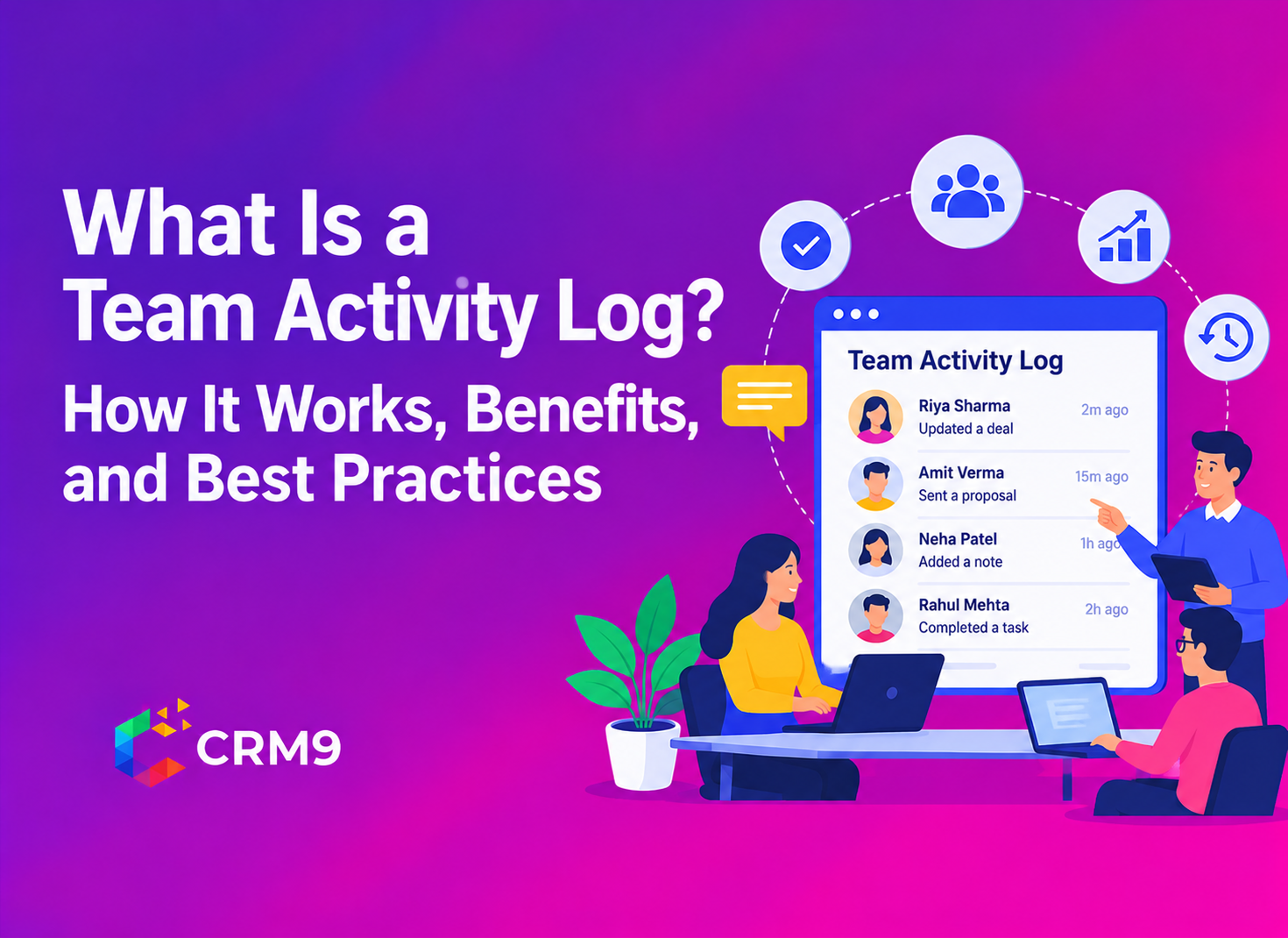
A team activity log is a chronological record of important actions and updates made by employees within a business workflow. It helps managers understand who completed an activity, what changed, and when the update occurred.
Unlike personal notes or separate spreadsheets, a shared activity record brings relevant work updates together. Depending on the software, these records may include task completions, lead updates, client interactions, project changes, and other business activities.
For example, imagine a sales representative receives an enquiry from a potential customer. The representative updates the lead information, schedules a follow-up, and sends a proposal. A team activity log can maintain a record of these actions so that the manager or another authorized team member can understand the progress without asking the representative to explain every step.
What Information Should an Activity Log Contain?
A useful activity record should provide enough context to understand the work.
| Activity information | Why it matters |
| Team member | Identifies who performed the action |
| Activity type | Explains what happened |
| Date and time | Shows when the update occurred |
| Related client or project | Connects the action to the correct work |
| Activity status | Helps understand the current progress |
The exact information depends on the software and the business process. However, records should remain relevant and easy to understand.
How Can You Track Team Activities Without Micromanaging?
The best approach is to create visibility around work rather than constantly checking on employees. Managers should establish clear expectations and allow team members to complete their responsibilities independently.
Here are practical ways to achieve this.
1. Set Clear Responsibilities for Every Task
Employees need to understand what they own before managers can expect accountability. Assigning a task without defining its expected result can create confusion.
For example, instead of asking an employee to handle a client enquiry, specify the expected outcome, deadline, and person responsible for the next step.
A shared Task Management system can help teams organize assignments and follow their progress. When responsibilities are clear, managers can review the work status instead of repeatedly asking who is handling it.
2. Track Work Progress Instead of Employee Presence
Being online for eight hours does not automatically mean an employee has completed meaningful work. Similarly, fewer recorded activities do not necessarily indicate poor performance.
Managers should focus on useful indicators such as:
- Tasks completed within the agreed deadline.
- Pending work and reasons for delays.
- Client follow-ups completed.
- Project milestones achieved.
- Important changes communicated to the team.
These indicators provide a better understanding of work progress than constant status checks.
3. Maintain a Shared Record of Important Updates
Important information should not remain limited to personal conversations, individual inboxes or handwritten notes.
For example, if a sales representative discusses a revised requirement with a client, the relevant update should become accessible to the people involved in that account. This reduces confusion when another employee takes over the conversation.
A shared Client Management System helps businesses maintain organized client information. It also gives team members a common reference point when handling customer-related work.
4. Review Activities at Agreed Intervals
Managers do not need to check every activity immediately after it happens. Instead, establish review intervals based on the nature of the work.
A sales team may review important follow-ups daily, while a project manager may review milestone progress during scheduled project meetings.
This approach keeps managers informed without interrupting employees throughout the day. It also gives team members enough space to complete their assignments.
5. Encourage Employees to Report Blockers
An activity log can show that a task remains pending, but it may not explain why the delay occurred.
An employee might be waiting for client approval, missing information or assistance from another department. Managers should use activity records as a starting point for conversations rather than assuming that every delay indicates poor performance.
Encourage employees to communicate obstacles early. This helps managers provide support before a small issue affects the entire workflow.
What Activities Should a Business Track in a Team Activity Log?
Not every action requires a separate record. Businesses should focus on activities that affect responsibilities, customer relationships, project progress or important decisions.
The following examples show which updates managers should prioritize.
Task Assignments and Completion
Task-related activities help managers understand what work has started, progressed or reached completion.
For example, a team member may receive a new assignment, update its status or complete a deadline-based activity. These records help managers identify pending responsibilities and review workload distribution.
Lead and Client Updates
Sales and customer-facing teams regularly interact with prospects and existing clients. Important updates may include changes to lead information, follow-up activities and client-related discussions.
A Lead Management System helps organize lead records and sales follow-ups. These updates can also provide useful context when another representative needs to continue the conversation.
Project Progress and Changes
Project teams often work on several deliverables at the same time. Managers should track important changes, completed milestones and pending responsibilities.
For example, if a designer completes a client-approved revision, the project record should reflect that progress. This helps the next team member understand which stage requires attention.
Proposals, Invoices and Business Updates
Commercial activities also influence business operations. A proposal sent to a customer, an estimate shared for approval or an invoice issued can affect the next step in a business relationship.
Using Proposal Management and Invoices & Estimates helps teams organize these documents within their business workflow.
Important Team Communications
Communication updates matter when several employees contribute to the same project or customer account. For example, a team member may share a revised deadline or request approval before proceeding.
Using Internal Chats & Messages Software helps employees communicate work-related updates in an organized manner.
How Does an Activity Log Improve Team Accountability and Productivity?
A team activity log provides a common reference for understanding work progress. When employees and managers can access relevant updates, they spend less time reconstructing previous conversations.
Here are some practical benefits.
- Clear ownership of responsibilities: Activity records help managers understand who handled an important action. This reduces confusion during task assignments and handovers.
- Better project visibility: Managers can review important updates and identify work that needs attention. Therefore, they can address delays before they affect other activities.
- Easier employee handovers: When someone is absent or changes responsibilities, another team member can refer to previous records to understand the current situation.
- More informed management decisions: Activity history helps managers identify repeated workflow issues. For example, if several projects remain pending because approvals take too long, the manager can investigate the approval process.
- Fewer unnecessary status meetings: Teams can refer to shared updates instead of arranging meetings simply to find out what happened during the day.
However, an activity log does not measure every aspect of employee performance. Quality, problem-solving, customer satisfaction and the complexity of assignments also matter.
What Should You Look for in Team Activity Log Software?
Businesses evaluating team activity log software should consider how well it supports their existing workflows. A long list of features is not useful if employees cannot find or understand the information they need.
Consider these important capabilities:
- Chronological activity history: The system should organize important updates so managers can understand the sequence of events.
- Search and filtering: Managers should be able to locate relevant activities by team member, client, project or action type.
- Connected business records: Activity tracking becomes more useful when it relates to tasks, leads, projects and client information.
- Easy access to updates: Employees and managers should be able to find relevant records without searching through multiple tools.
- Useful reporting and visibility: Managers should be able to review relevant business information and identify areas that need attention.
Also, consider access permissions, data protection and record retention before selecting a platform. Explain to employees what information the business records and why. Tracking should remain transparent and proportionate to a genuine business need.
What Common Mistakes Should Managers Avoid When Tracking Team Activities?
Even a well-organized activity tracking process can become ineffective if managers use it incorrectly.
Avoid these common mistakes:
- Tracking unnecessary activities: Recording every minor action creates too much information and makes important updates harder to identify.
- Judging employees by activity volume: A higher number of recorded actions does not always mean better work quality or productivity.
- Ignoring the reason behind delays: Managers should understand whether a task is pending because of workload, missing information or external dependencies.
- Keeping records in separate places: Scattered updates make it difficult for employees to find the latest information.
- Using tracking without clear communication: Employees should understand what the business records, how managers use that information and who can access it.
A good activity tracking process should make work easier to coordinate, not create additional pressure.
Conclusion
Tracking team activities is useful when managers need better visibility into daily operations, customer interactions, and project progress. However, the process works best when businesses focus on completed work, responsibilities, and important updates instead of monitoring employee presence. A well-maintained team activity log gives managers a reliable view of ongoing work while allowing employees to take ownership of their responsibilities. By setting clear expectations, reviewing updates at agreed intervals, and addressing blockers constructively, businesses can build accountability without micromanaging their teams.
Frequently Asked Questions
A team activity log records important employee actions and business updates. It helps managers review work progress, understand responsibilities and maintain a history of relevant activities.
It gives managers a shared view of important updates, task progress and client-related activities. As a result, they can identify delays and coordinate work without repeatedly asking employees for status reports.
An activity log generally records routine actions and updates within a workflow, while an audit log focuses on traceable records of system events and changes for review, security or compliance purposes. The exact distinction depends on the software.
Yes. Activity logs help clarify who handled an action and when it occurred. However, managers should consider work quality, responsibilities and circumstances rather than judging employees only by recorded activity.
The review frequency depends on the team’s responsibilities. Managers may review important sales activities daily and project updates at agreed milestones or during scheduled weekly reviews.